
Transcriber
Convert audio to text in seconds. Designed for lawyers, journalists, researchers, and professionals who demand privacy.
001
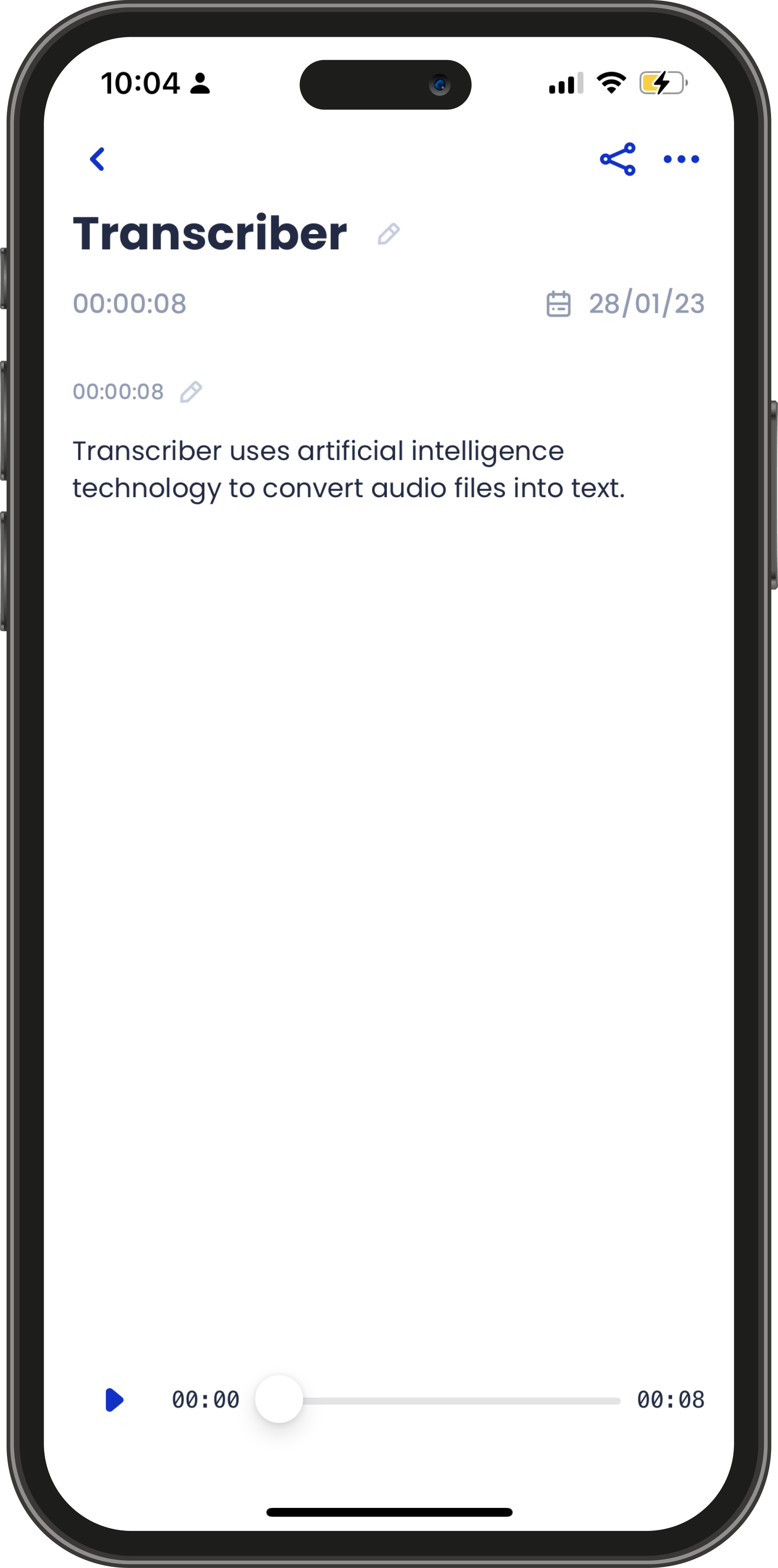
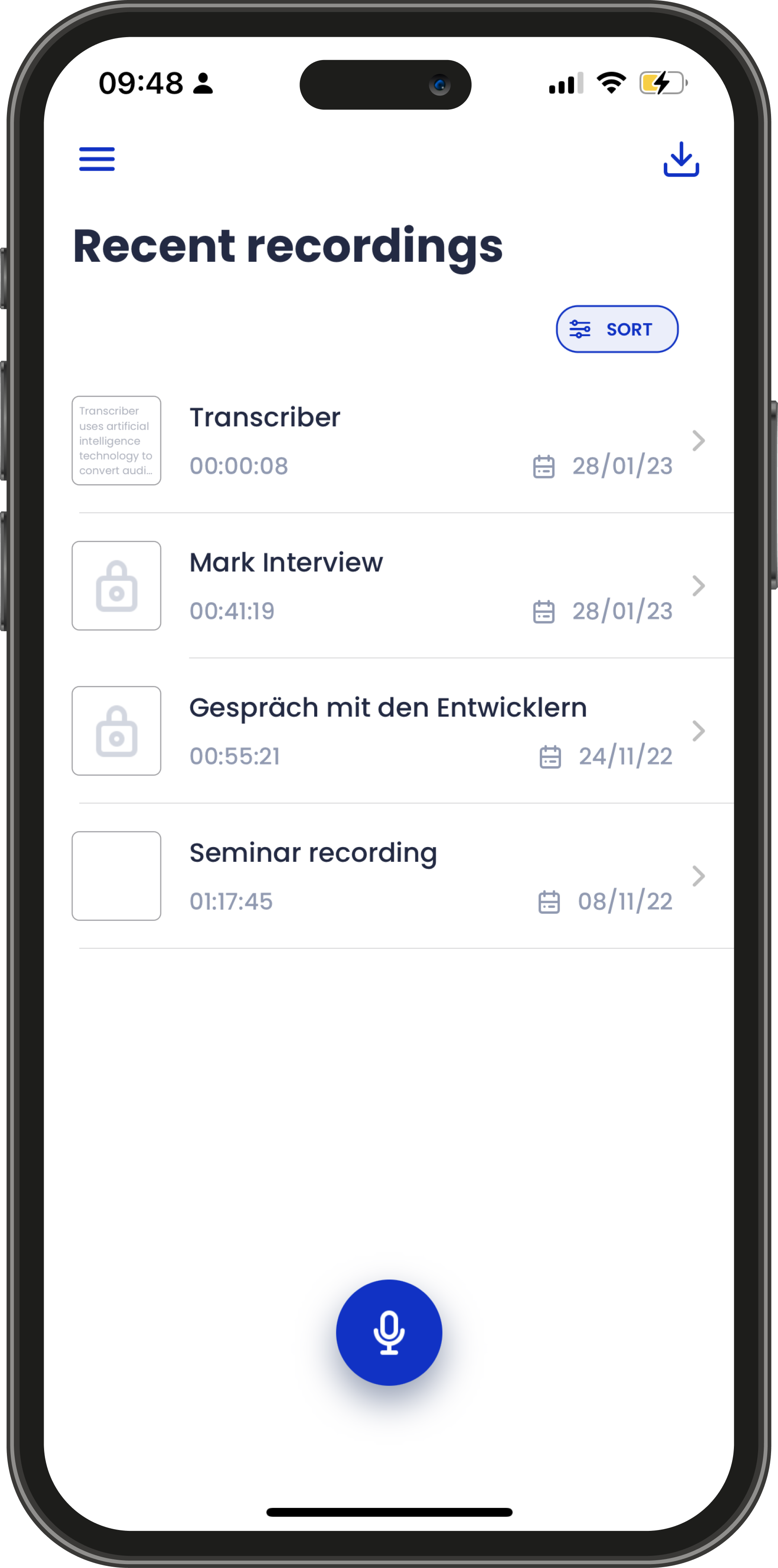
Encrypted document based files
- Transcriber is powered by encrypted document based files and it is stored on your device only, providing you even further protection to your data and your privacy.
- Either when you record a new audio or import an external interview, Transcriber converts it into an encrypted document, stored only on your device, giving you the power over your own data.
002
Multilingual users and business
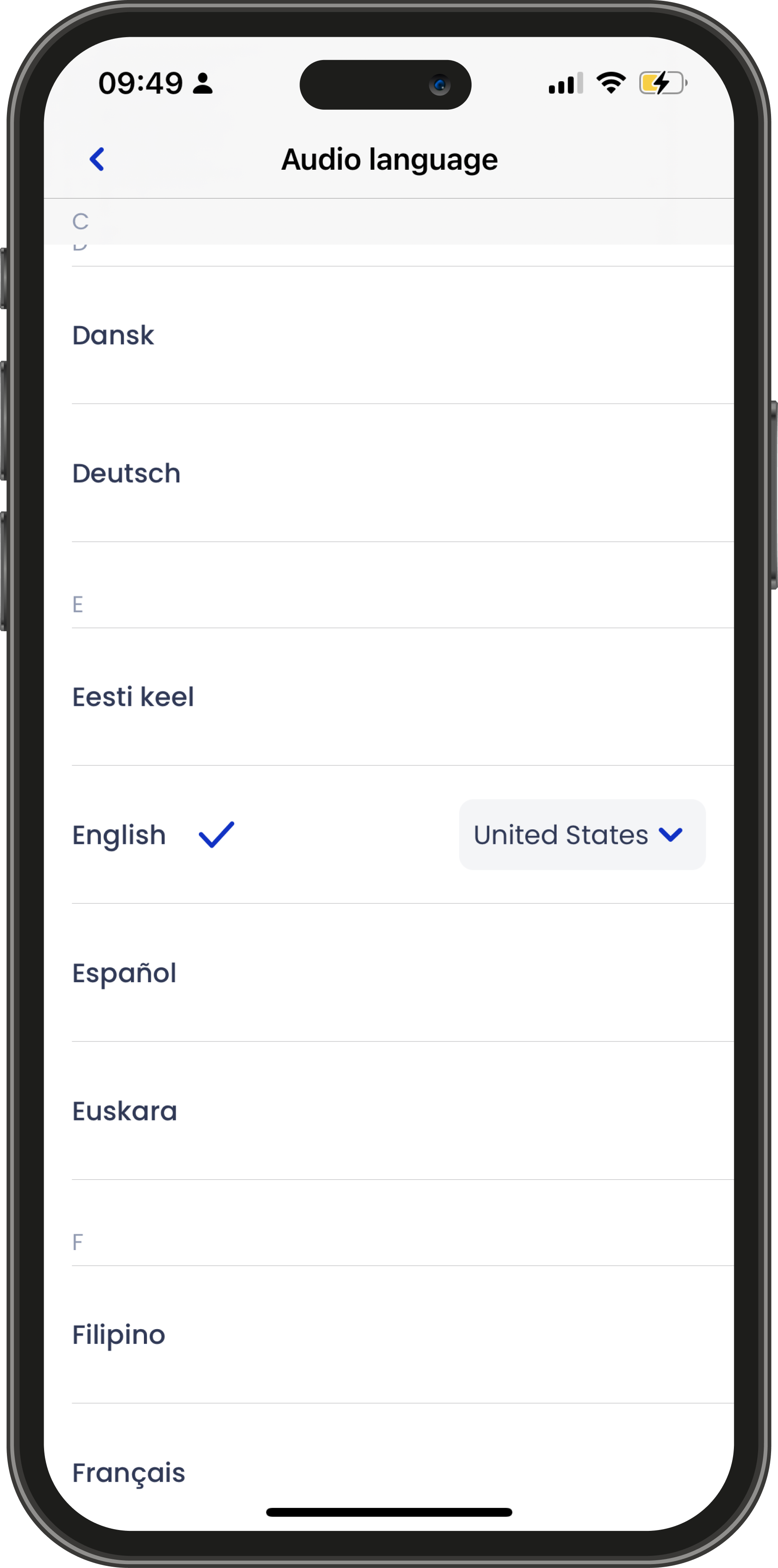
- With its document based app, Transcriber allows you to select different languages for different interviews, covering a multilingual user base with its large range of language support.
- You can set its default language under the app settings and, for each specific interview, change its language accordingly — giving you a multilingual transcription for your interviews.
003
Run transcriptions simultaneously
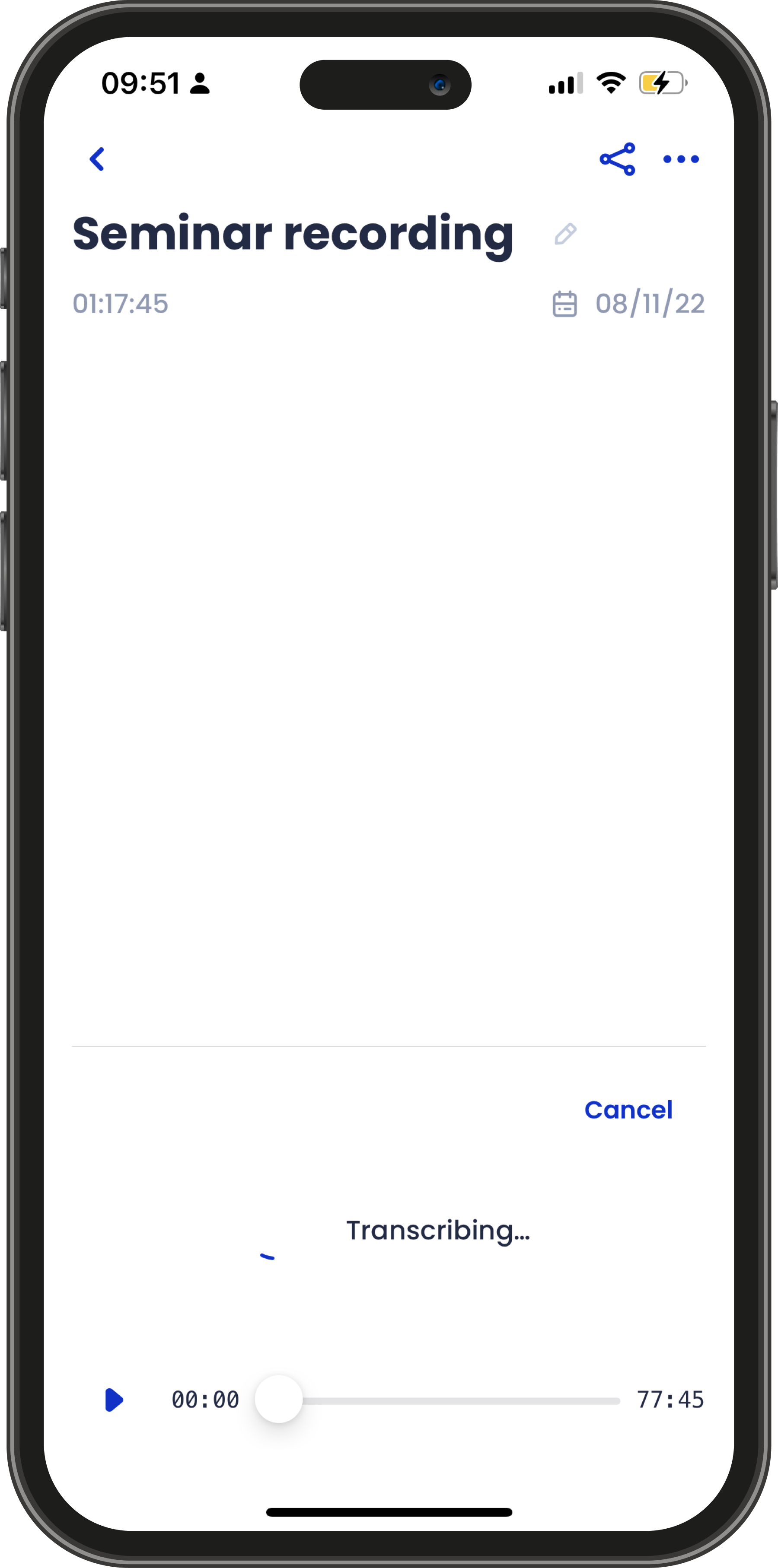
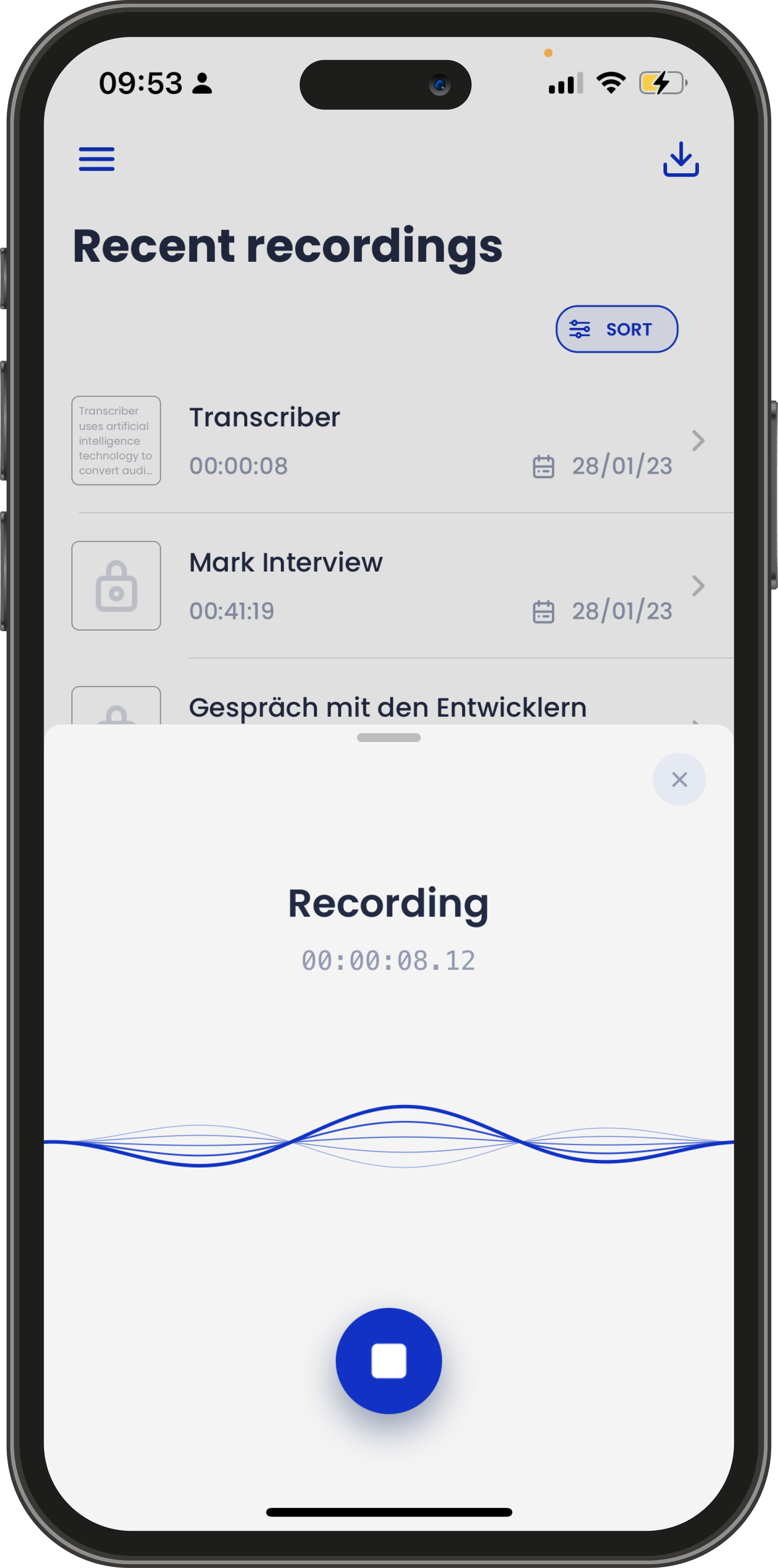
- Transcriber's engine is designed to run multiple transcription operations simultaneously.
- By running multiple interviews in parallel, you can do more work in less time.
004
Flexibility for professionals and academics
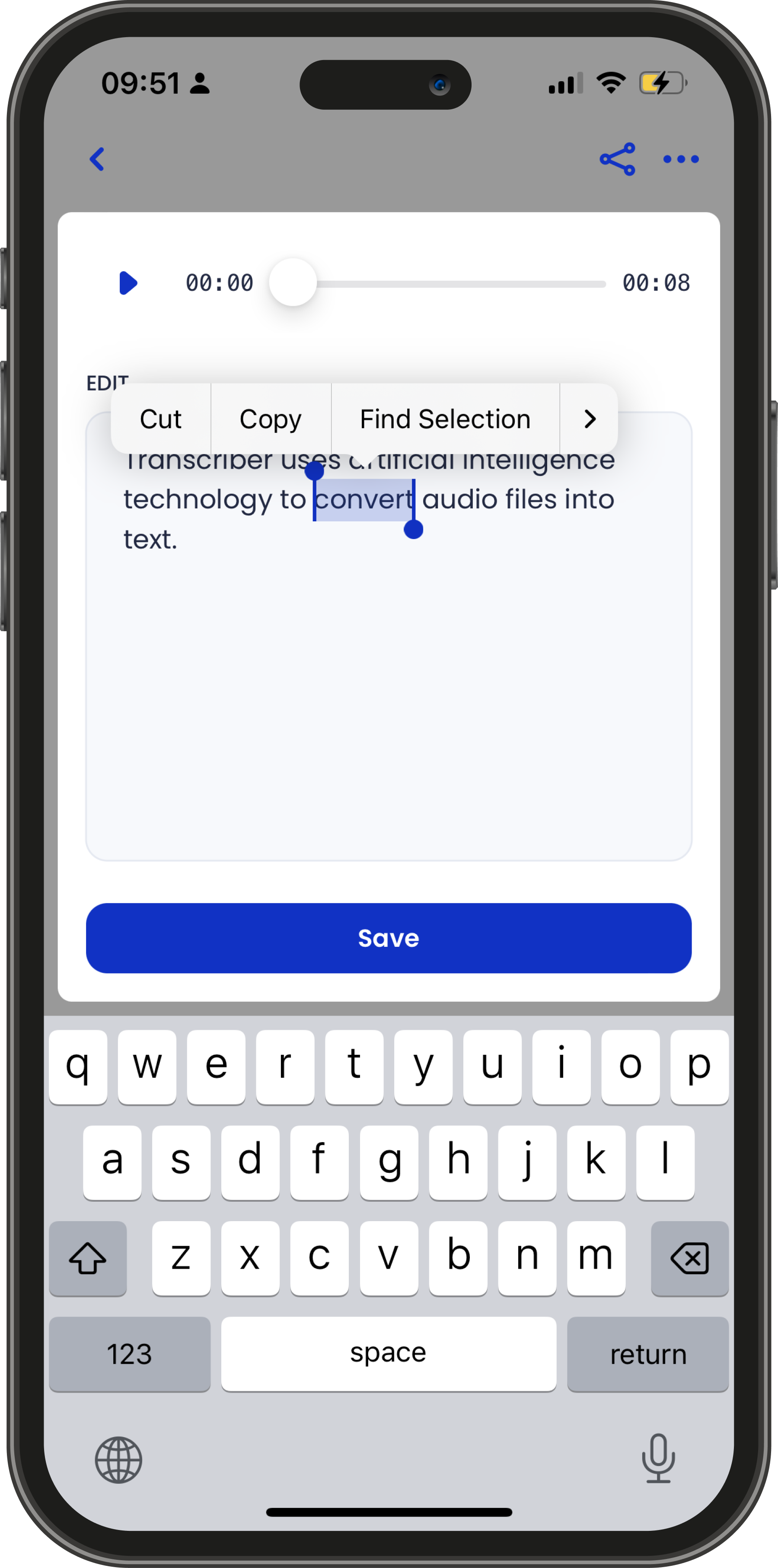
- Transcriber allows you to edit and adjust completed transcripts for particular acronyms that AI did not capture.
- The interview is then updated and a new revision history is automatically created, allowing you to keep track of every change made on your document.
005
Collaboration at its essence
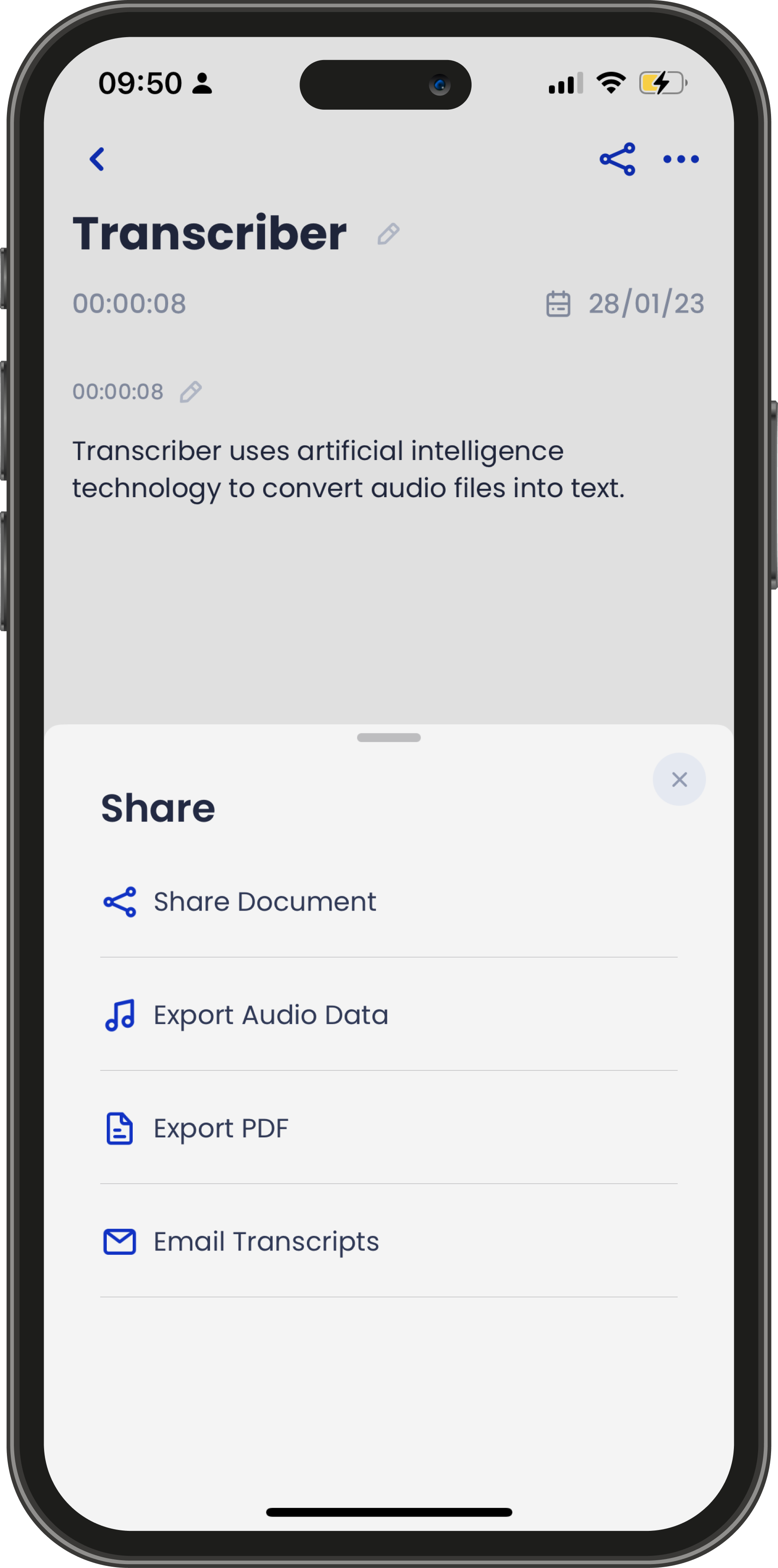
- Transcriber allows you to export the transcriptions' content in multiple formats for further collaboration.
- You can export it as a document file, so other people can access the complete file on their own device — or export its audio data or as a PDF file.
006
Unlimited transcriptions for one single price
- Different from other apps, Transcriber has a monthly subscription plan, giving you the freedom to transcribe unlimited interviews for one fixed price.
- We believe technology should be accessible for everyone — and building a quality product at the best price for our customers is one of the pillars of our product.
007
Your interviews on all your devices
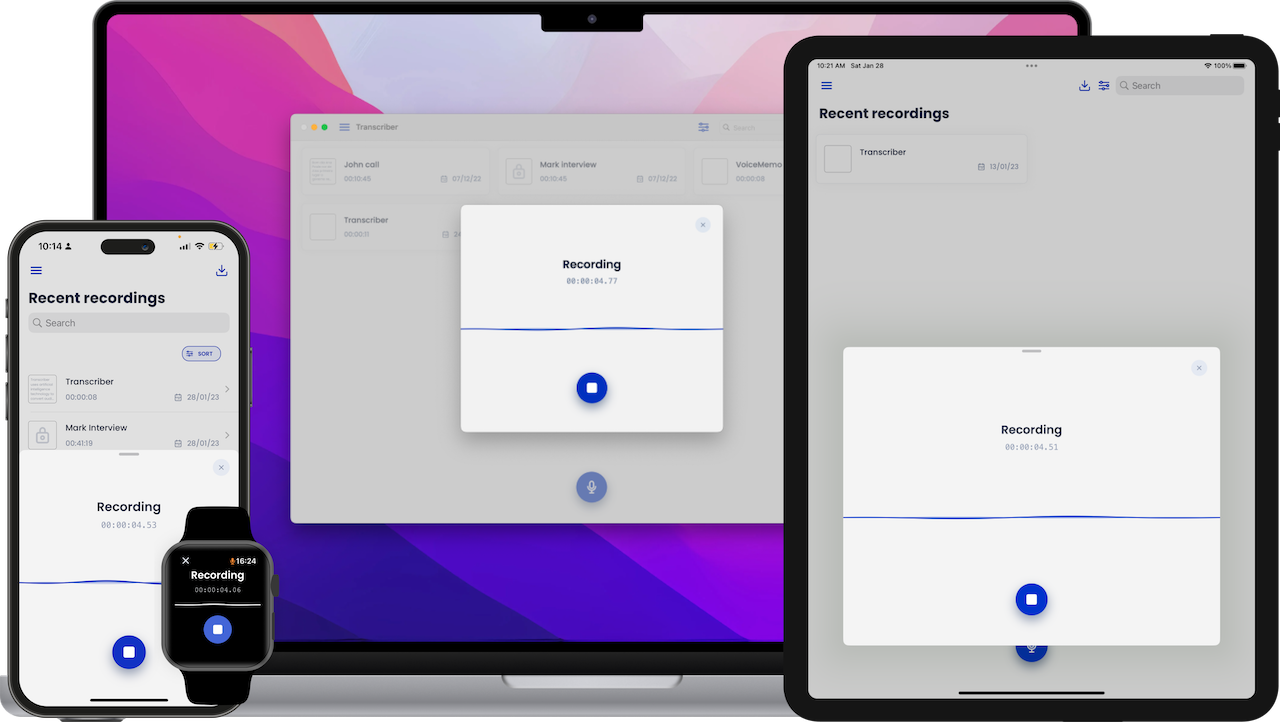
- Transcriber can automatically sync your data on your iPhone, iPad, Apple Watch and Mac seamlessly.
- Transcriber was built with security and usability for the iCloud ecosystem. The interview recorded via your Apple Watch can be viewed on your iPhone, iPad and Mac at any time.
008
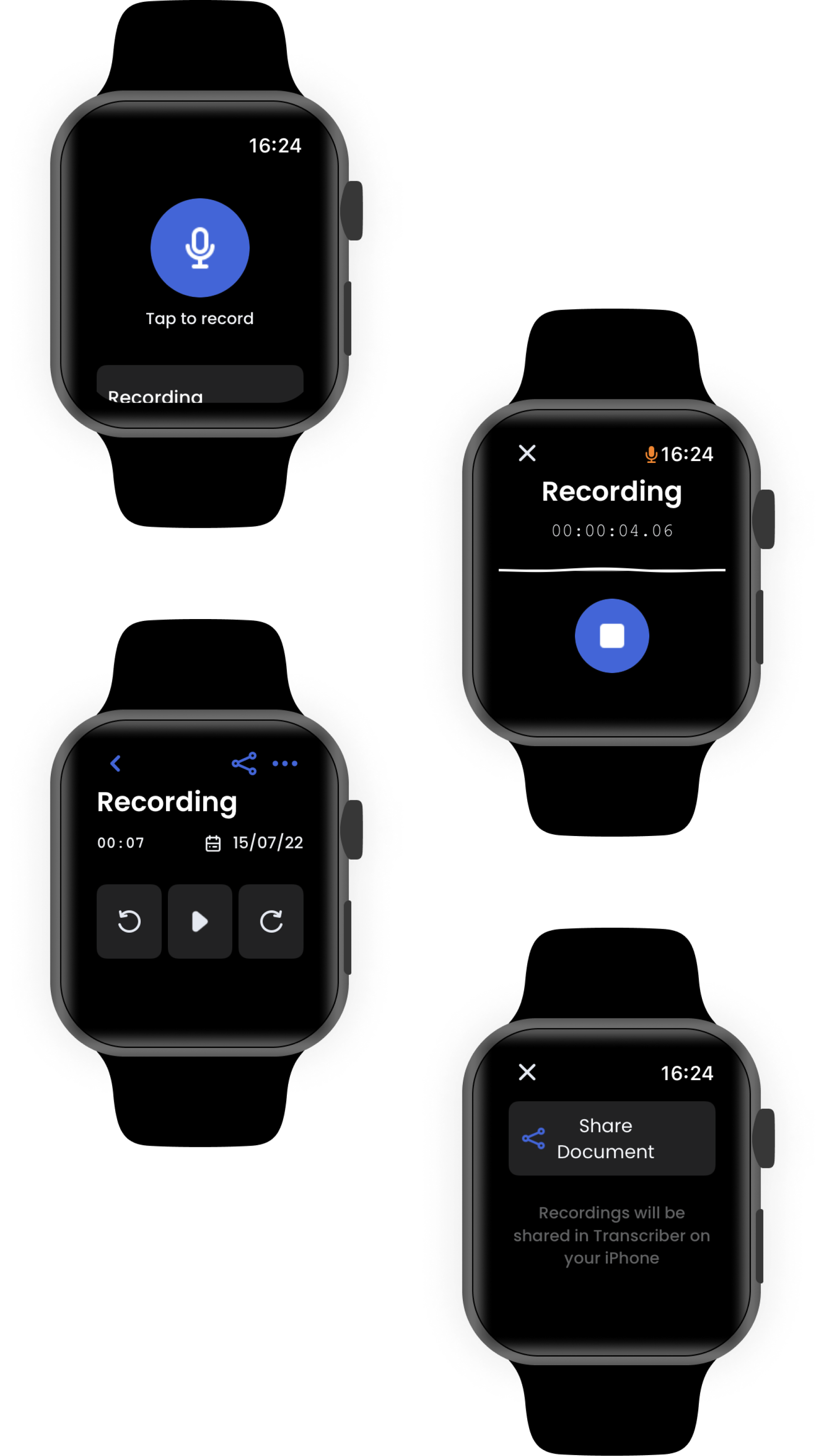
Interviews on your wrist
- Transcriber is also available on the Apple Watch as an independent app.
- With one tap, you create an interview directly from your home screen. Exporting your recorded interviews and transcribing has never been easier.
What our users say
Real feedback from real users across the globe.
Packed with features
The app has a lot of helpful and powerful features which are listed below. For the full list, check the button.
Built-in RecorderAccurate TranscriptsEasy to UseAdjust your transcriptsClean OverviewDocument basedDark ModePrivate & SecureMulti LanguageDetailed ReportsCompanion AppShare your interviews
Frequently Asked Questions
We've compiled a list of answers to common questions.
What is Transcriber?
Transcriber is a mobile and desktop productivity empowerment solution designed to give you a grip on your interviews. It helps you save time by using artificial intelligence to convert audio files into text.
Is Transcriber private?
Absolutely! We have the utmost respect for your privacy. Your information is safe and secure — only on your device.
What languages are available?
Transcriber allows you to select over 120 languages and variants to support your global user base.
How secure is Transcriber?
Transcriber stores its interview content under an encrypted document protecting your personal data. You can also restrict who has access to its data with Passcode, Touch ID or Face ID, following Apple's security framework.
How much does it cost?
We offer Transcriber as a monthly subscription plan, allowing you to transcribe as many interviews as you want for one fixed price. Click Menu > Upgrade > Subscribe.
Are there any ads?
Nope. We hate ads, just like you do.
Are you available on Android?
Not yet! We are working on an Android version to be launched soon.
Can I import external interviews?
Yes, of course.
How can I export my transcriptions?
You can either send the transcripts via email, export it to PDF or as a Transcriber document.